Images — generate and refine
Ask for a picture in plain language and Vancetope generates one, right in the chat. No separate tool, no prompt syntax to learn — describe what you want, and refine it by asking for changes. Every image is saved as a document in the project, so you can open, download or reuse it later.
Behind the scenes this is Fenchurch, Vancetope’s image service. You never pick a model or endpoint — the agent calls it for you and streams progress while it works.
Table of contents
Ask for an image
Just say what you want. The agent recognises the intent, calls the image tool, and the finished picture lands in the conversation with a title — here, a painterly mountain lake at sunrise.
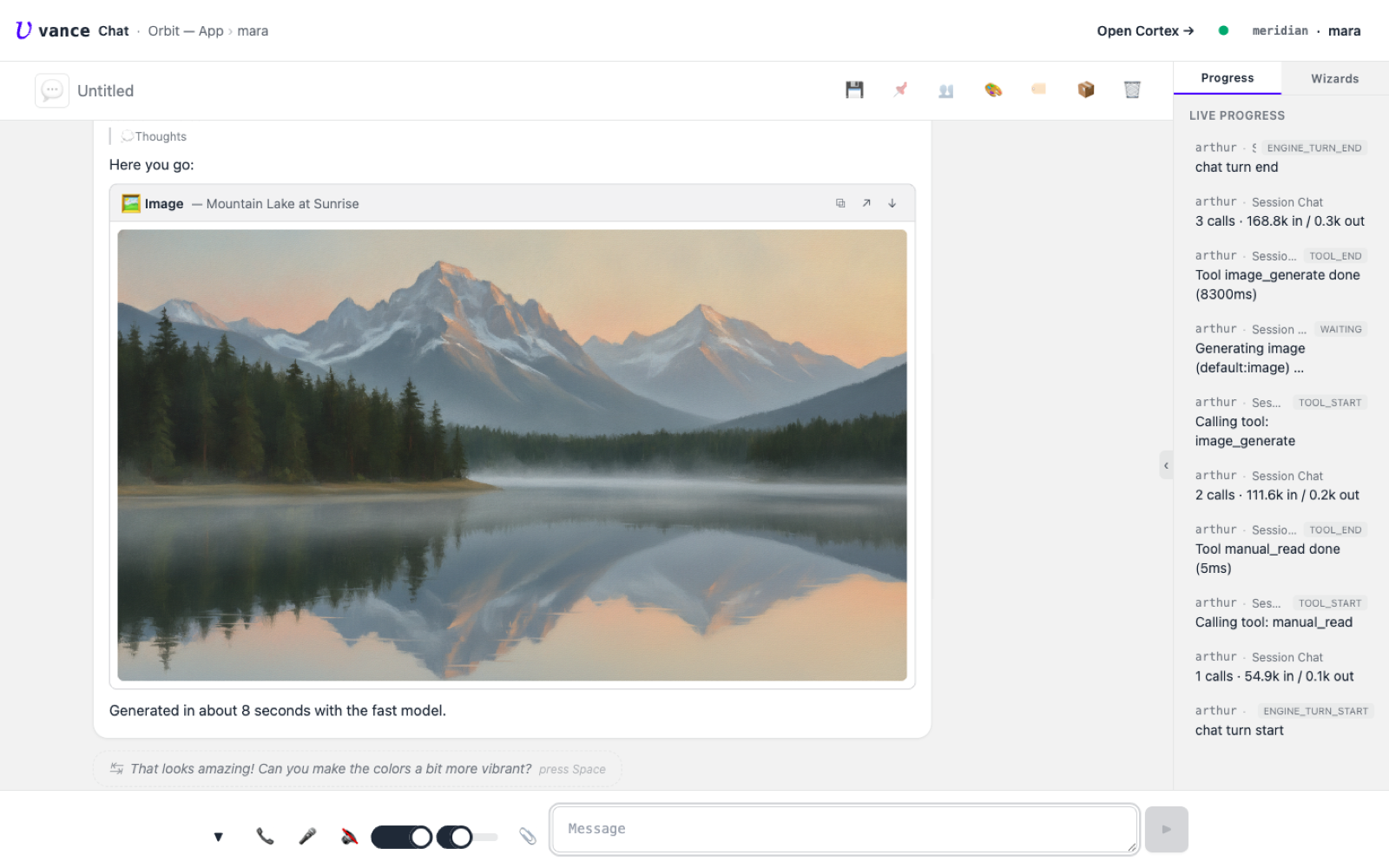
image_generate call — "Generated in about 8 seconds with the fast model."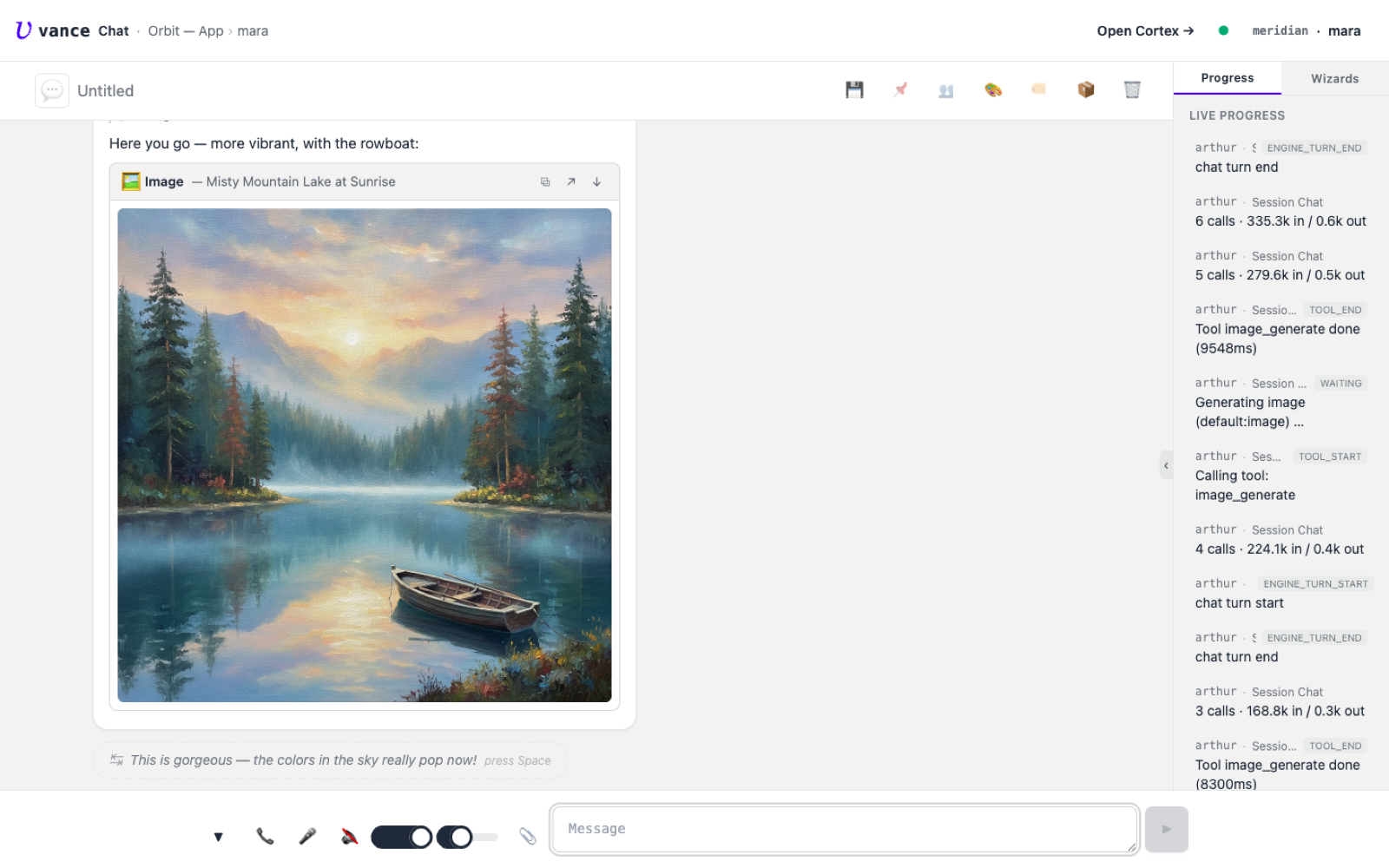
What you get back
Each image is a real document in the project, not a throwaway. The card in
the chat carries an open (↗) and a download (↓) affordance, and the file
lives under the project’s images/ folder — ready to drop into a workpage, a
canvas, or an export.
You don’t choose a model. The operator wires image generation once (a provider key plus the
default:image/default:image-highaliases); from then on everyone just asks. Two quality tiers exist — a fast, cheap default and a higher-quality one for final assets — and the agent picks based on what you ask for.
Where to go next
- The service behind it: Fenchurch spec.
- Put a generated image on a spatial board: Canvas.
- Build a page around it: Workbook.