Workbook — notes and pages
A workbook is a folder of pages in a block editor — the Notion-shaped surface for notes, docs and handbooks. Each page is a workpage built from blocks (headings, lists, to-dos, callouts, columns, code, tables, embeds); sub-folders are sections. It’s a real folder of documents underneath, so agents can write pages too.
This tour uses the engineering workbook in the demo project orbit-app
(seed it with wb smoke showcase).
Table of contents
Everything is a block
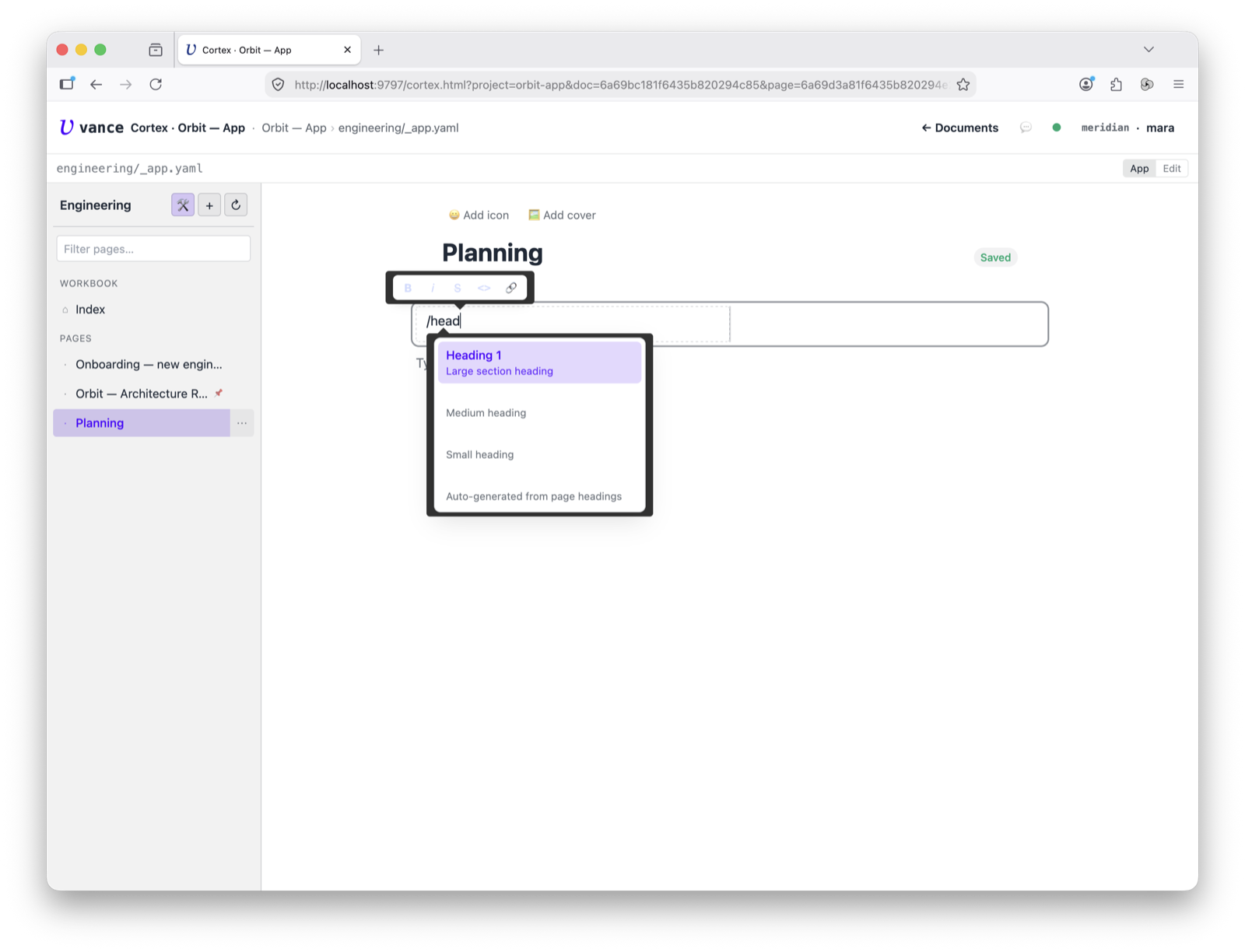
A page is a block editor. Put the cursor on an empty line and type / to open
the block menu — heading, list, to-do, callout, columns, code, table, divider,
image, embed. Pick one and it drops in; keep typing to filter the list.
The page tree
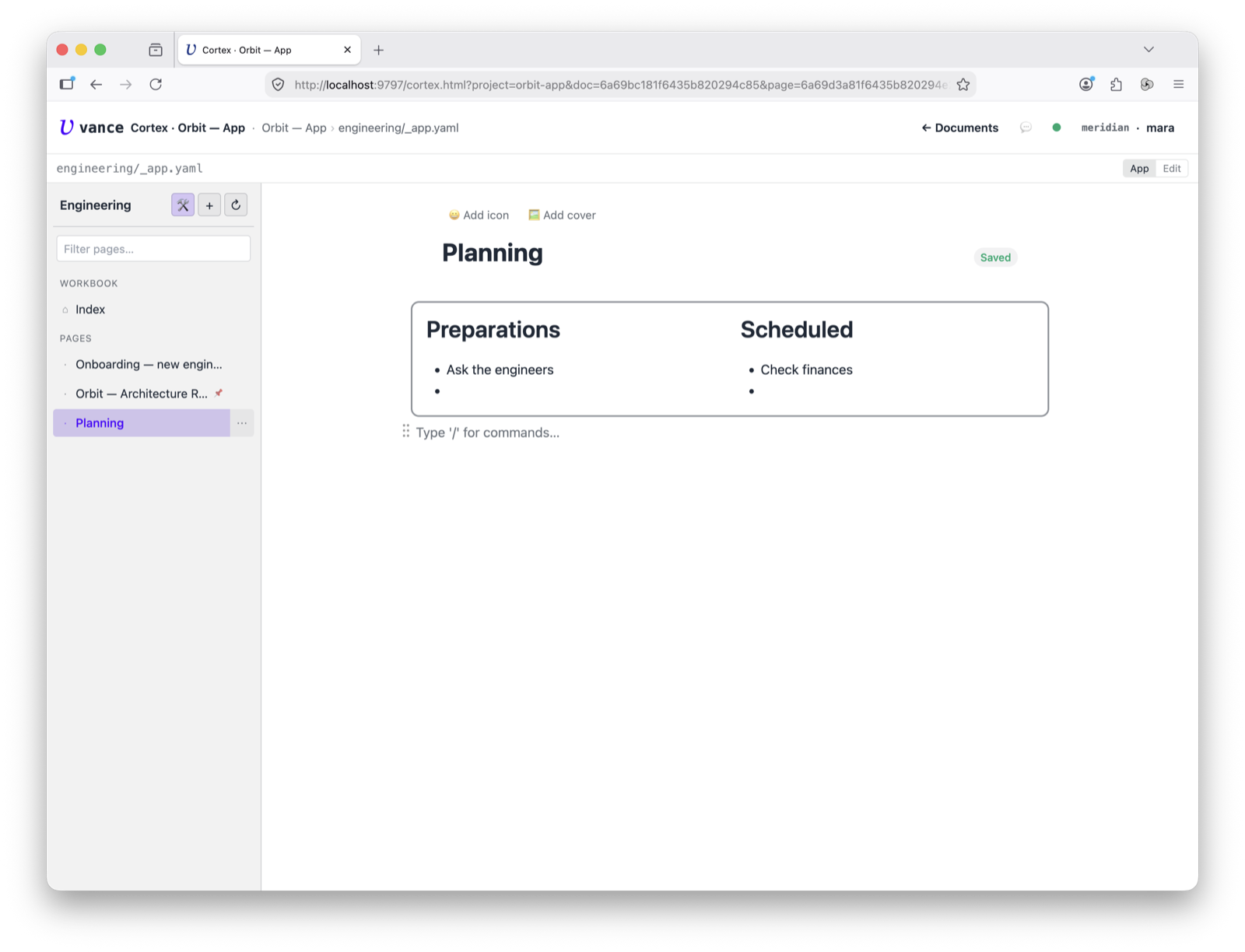
Pages live in a tree on the left, grouped under section headers. Each page shows its emoji icon, the landing page carries a 📌, and a search box filters by title or section. The active page fills the editor — here a page with a two-column block.
Give it an icon
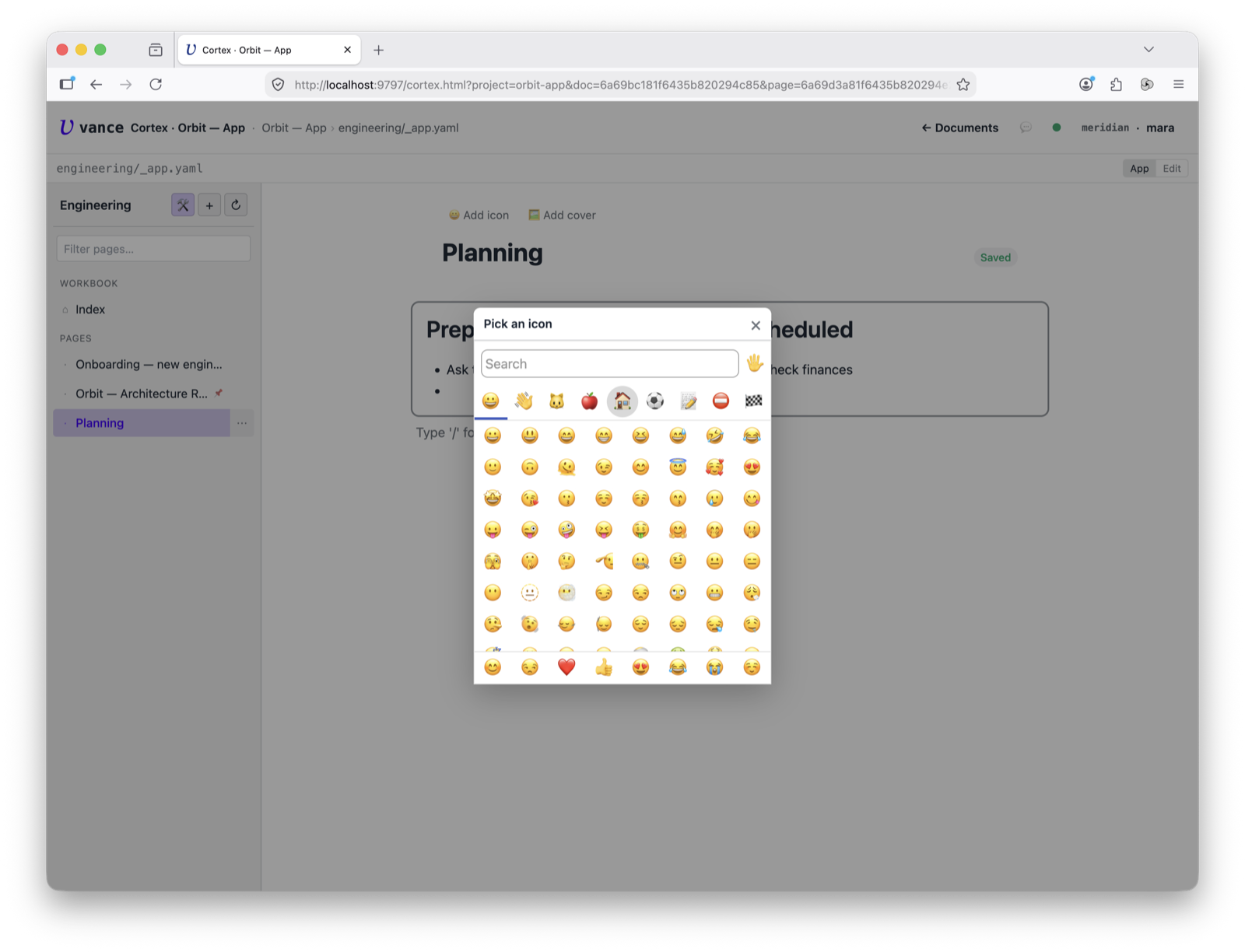
Each page has a header with a title and an emoji icon you pick from a picker — a small thing that makes a workbook read like a handbook rather than a file list.
Edit blocks in place
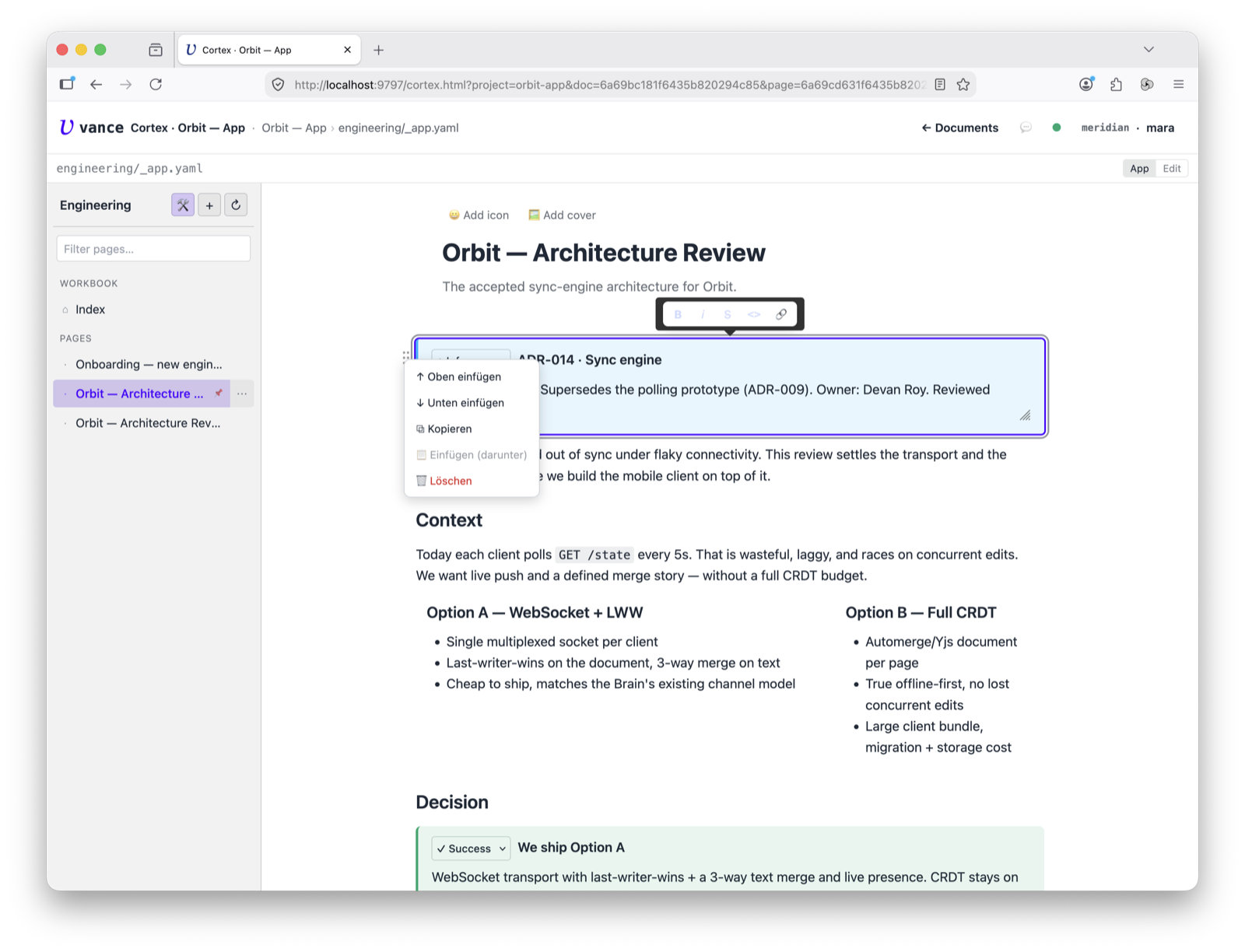
Every block has a drag handle: grab it to reorder, or open its menu to insert a block above or below, duplicate, or delete. Selecting text brings up the inline bar (bold, italic, code, link). It’s direct manipulation — no source view needed (though the View/Edit toggle is there if you want the raw markdown).
Where to go next
- Every block type, with its JSON and Markdown form: the workpage-blocks
reference (bundled manual
workpage-blocks). - What a workbook is on disk and how sections/landing work: workbook app spec.
- Editing a page alongside chat + execute: Cortex tour.