Research a topic, end to end

A single conversation that goes the whole distance: commission a deep-dive with Marvin, reshape the result, illustrate it, drill into a follow-up, write it all up as a document with images, and export a PDF. No leaving the chat, no copy-pasting between tools — the research and its artifacts grow in one place.

The subject here is the element iron: from a broad properties report down to the specific products that come out of different cooling processes — and out the other side as a finished, illustrated PDF.

The showcase, in one line

It’s a research workflow: ask → deep-research (Marvin) → restructure (mindmap) → gather images → narrow to a sub-question → compile an illustrated document → export a PDF. Each step is just the next thing you’d naturally ask, and Vancetope keeps the growing body of work — reports, mindmaps, documents, the PDF — as real documents in the project.

Table of contents

  1. The showcase, in one line
  2. The walk-through
  3. What this shows
  4. Where to go next

The walk-through

Iron research — 10 steps
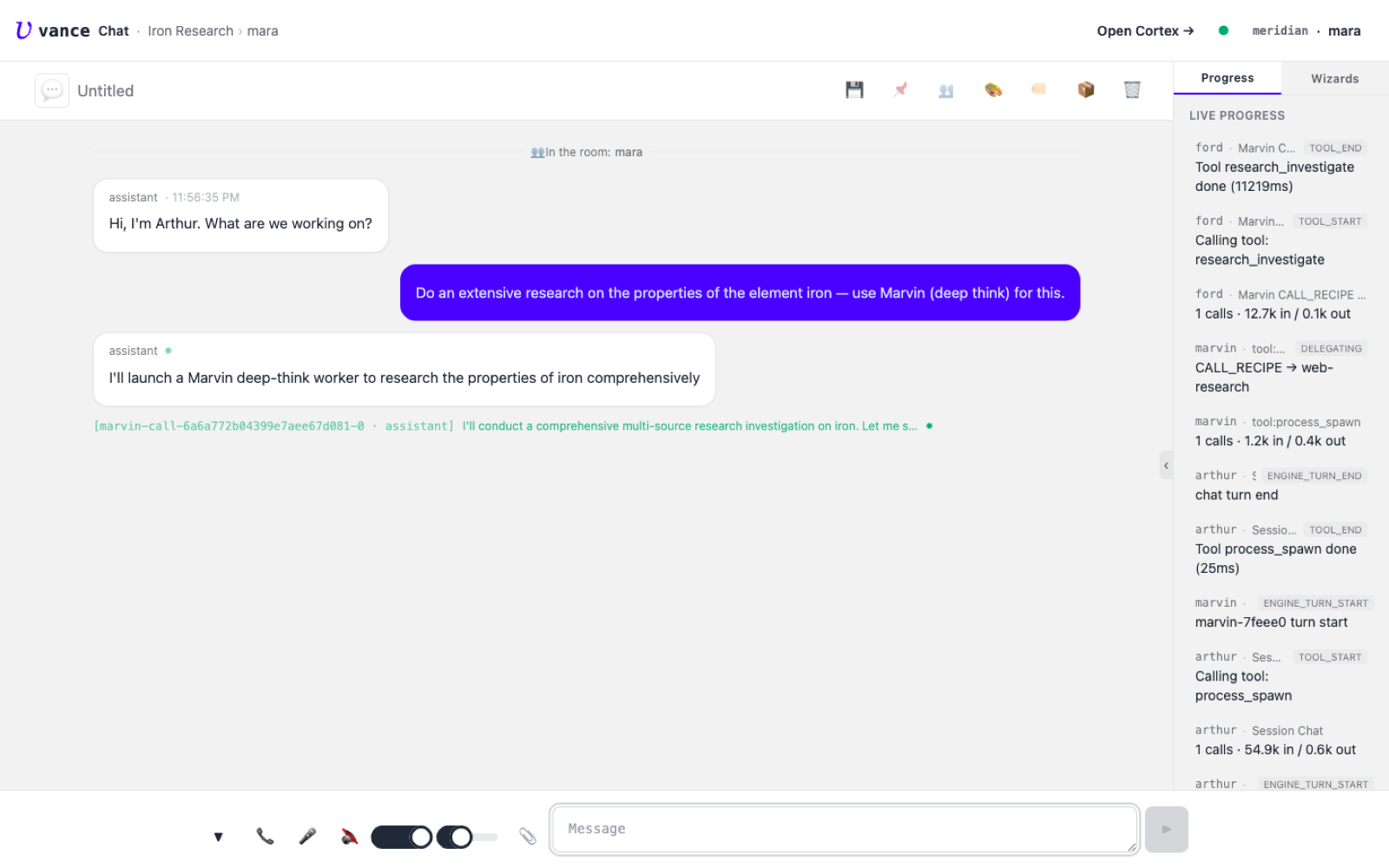
The research request and Marvin being launched
1 · AskThe request: an extensive study of iron, run on Marvin (deep-think). Arthur launches a Marvin worker — you can see the marvin-call line and the deep-think process spinning up in the progress panel.
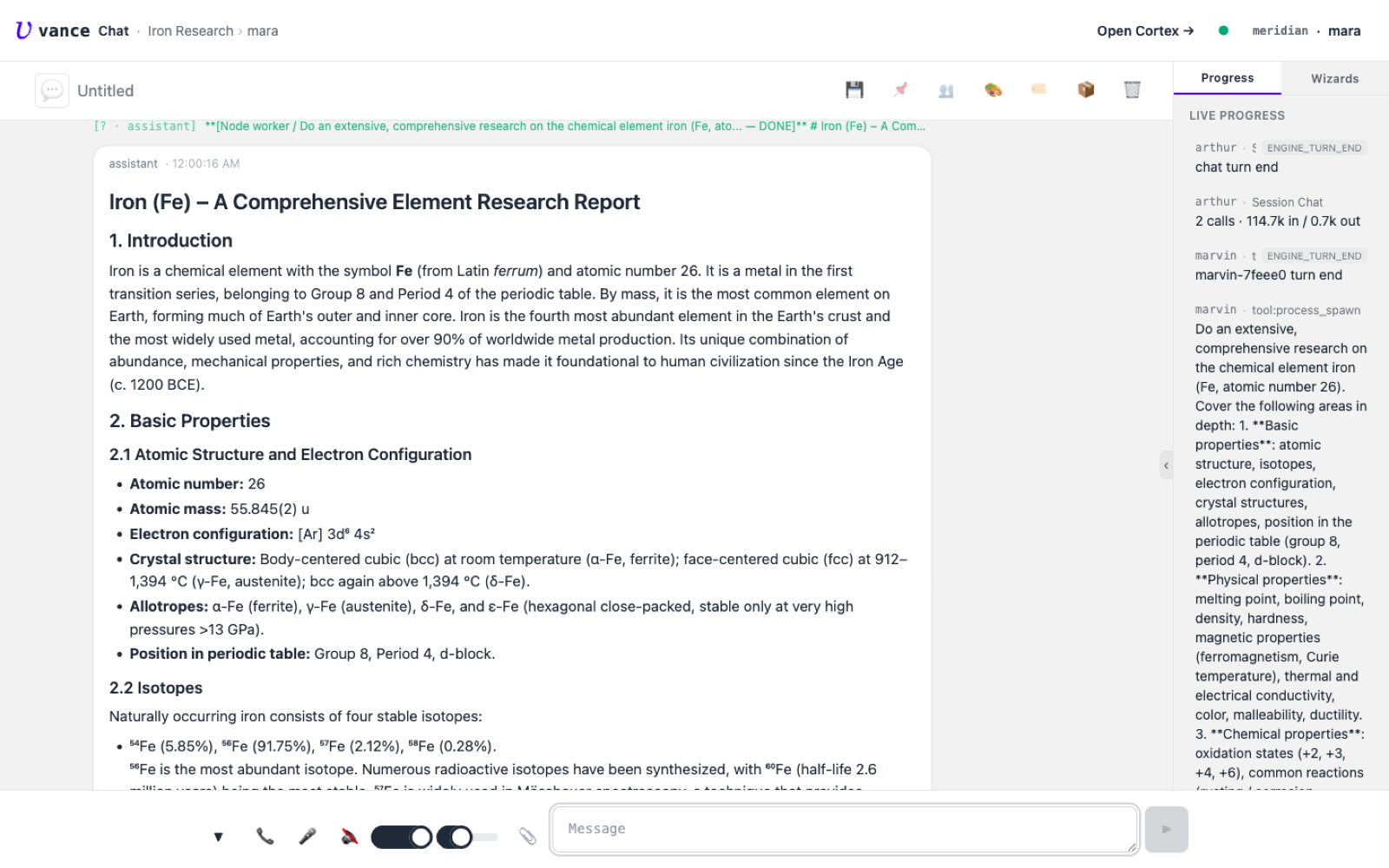
The comprehensive iron report
2 · The reportMarvin plans the study, spawns web-research workers, and synthesises a comprehensive report — atomic properties, isotopes, occurrence, biology, industrial use — with its sources listed.
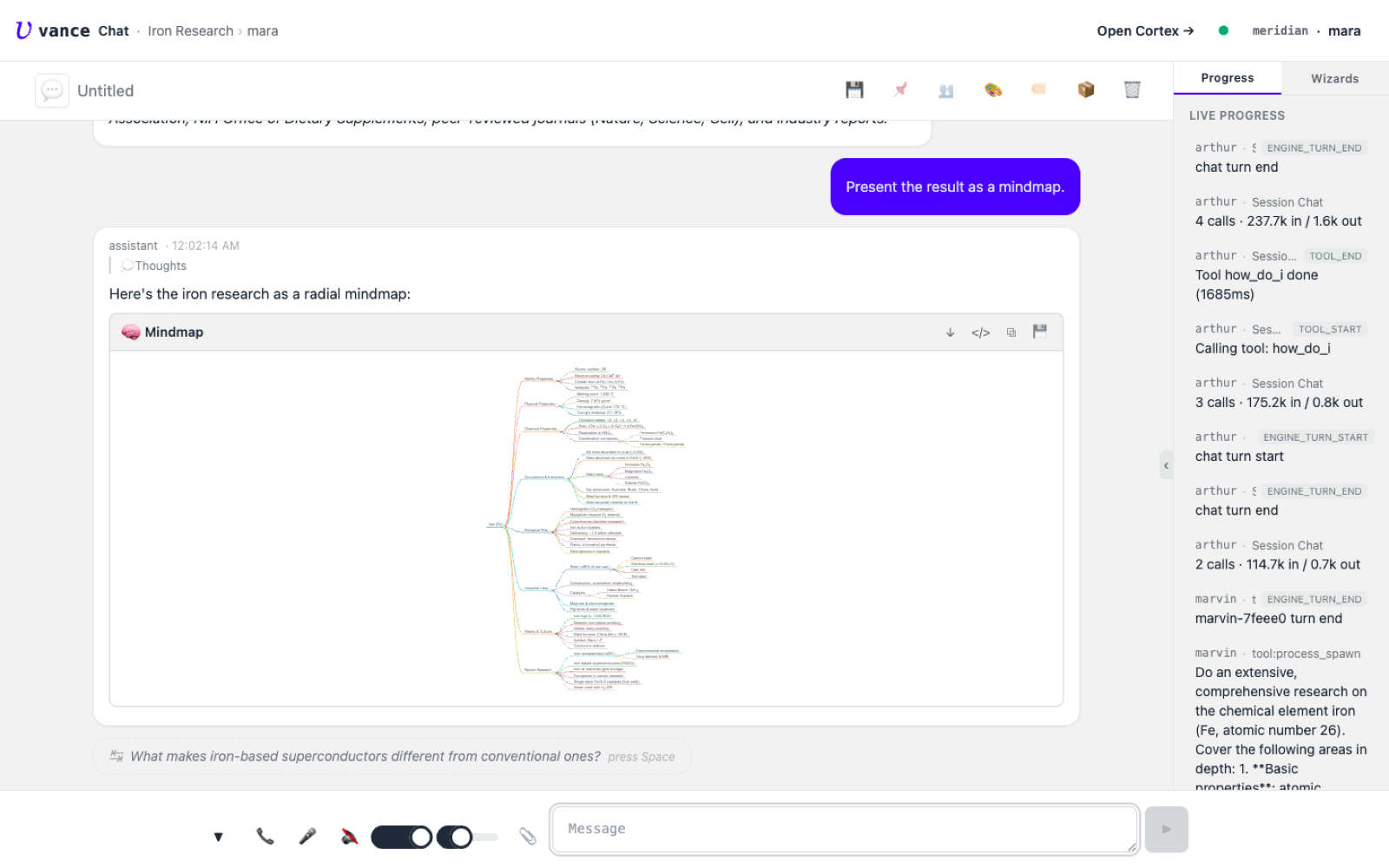
The report restructured as a radial mindmap
3 · As a mindmap"Present the result as a mindmap." The same content, restructured into a radial mindmap document — one branch per theme, rendered inline.
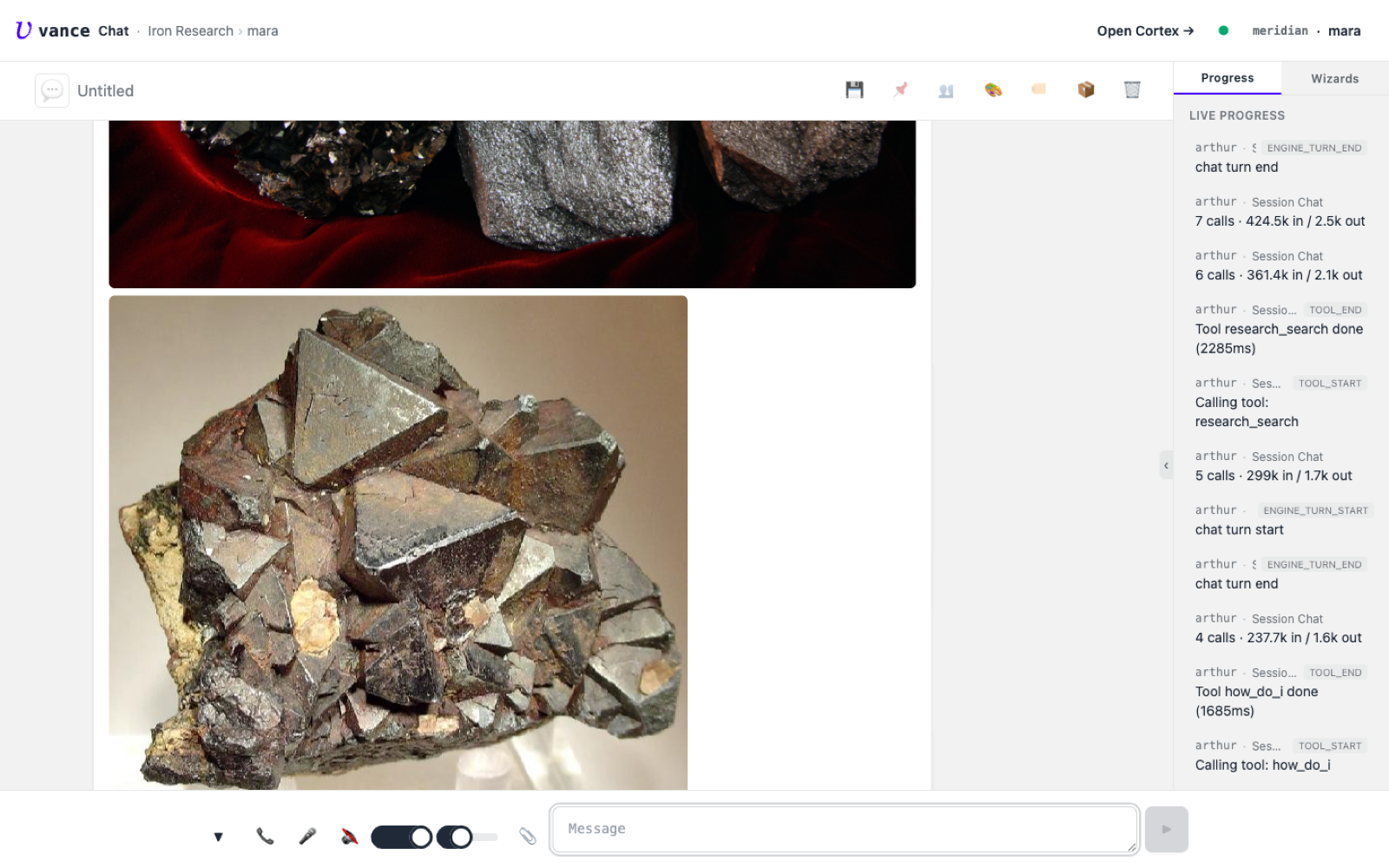
Web image results for iron ore
4 · Images"Show me images of iron ore." A live image search returns real photographs — hematite and magnetite specimens — straight into the chat.
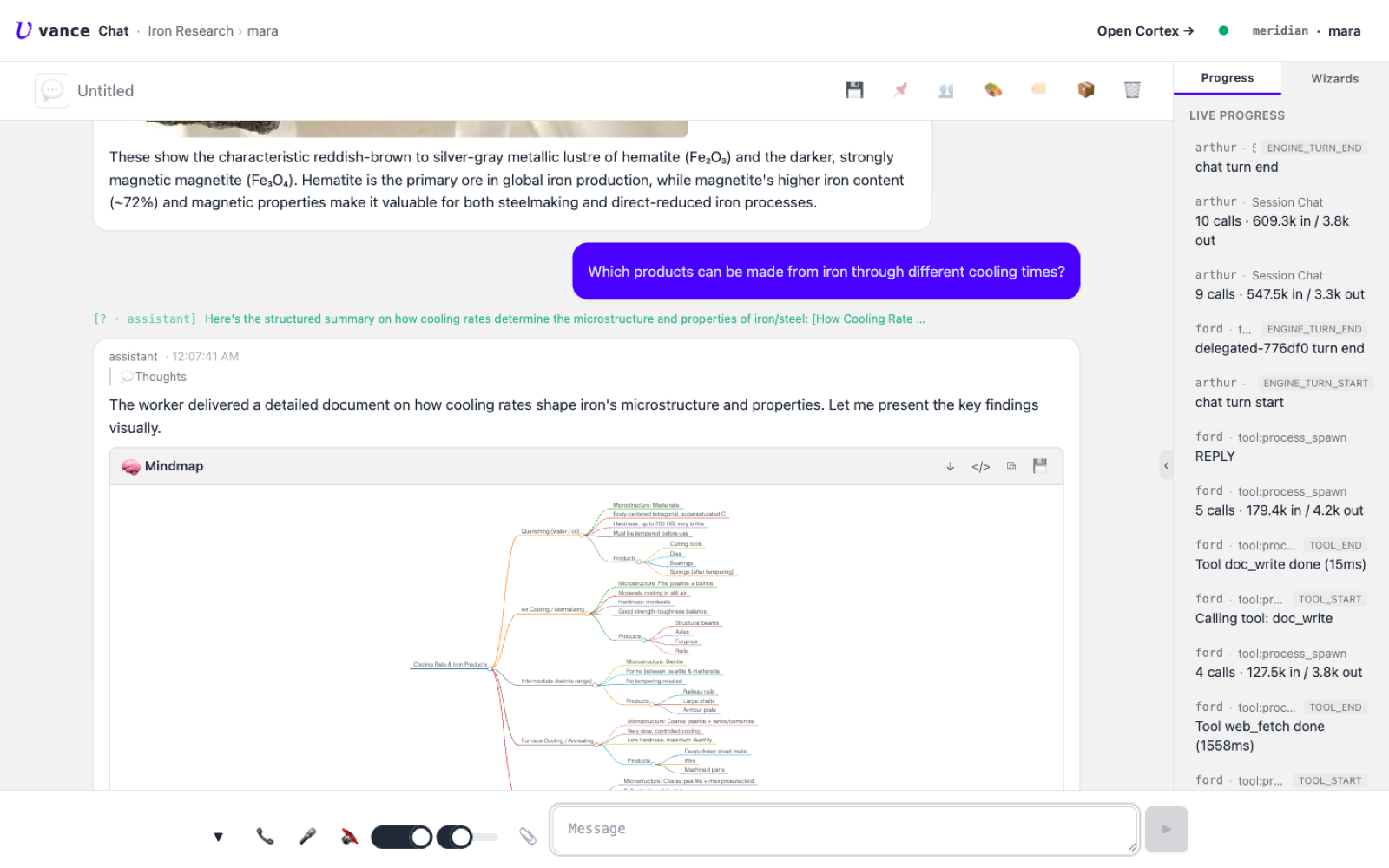
A mindmap of iron products by cooling rate
5 · Drill inA narrower question — which products come from different cooling rates — and the agent maps quench → martensite → cutting tools, normalizing → structural steel, bainite → rails, annealing → wire, each backed by a saved technical write-up.
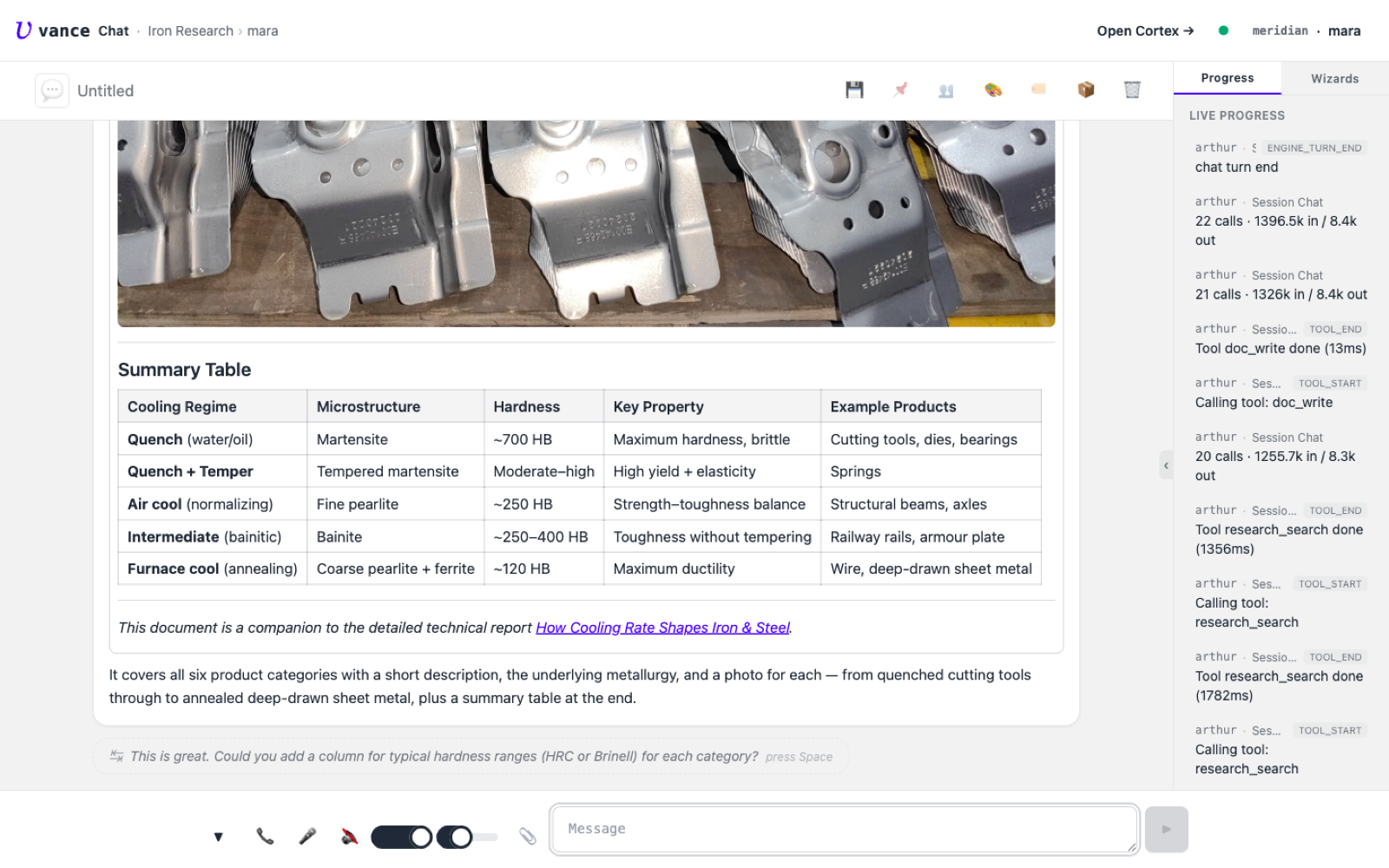
The compiled product document with a summary table
6 · Write it up"Write a summary document — a description and an image for each product." The agent searches an image per product and compiles an illustrated document, complete with a summary table (cooling regime → microstructure → hardness → products).
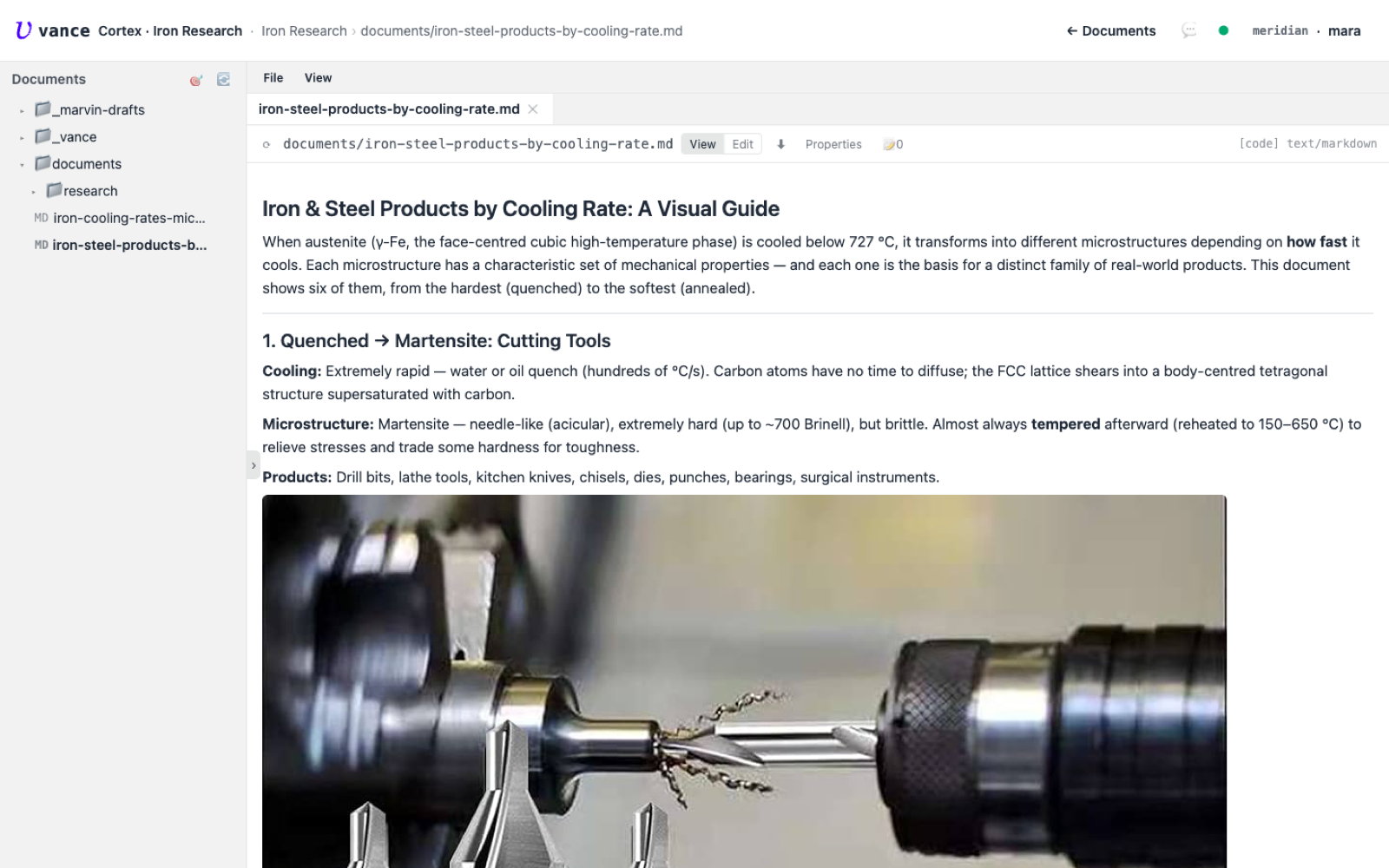
The compiled document opened in Cortex
7 · The documentThe link opens the document in Cortex — "Iron & Steel Products by Cooling Rate: A Visual Guide," each product with its description, metallurgy, and a fetched photo.
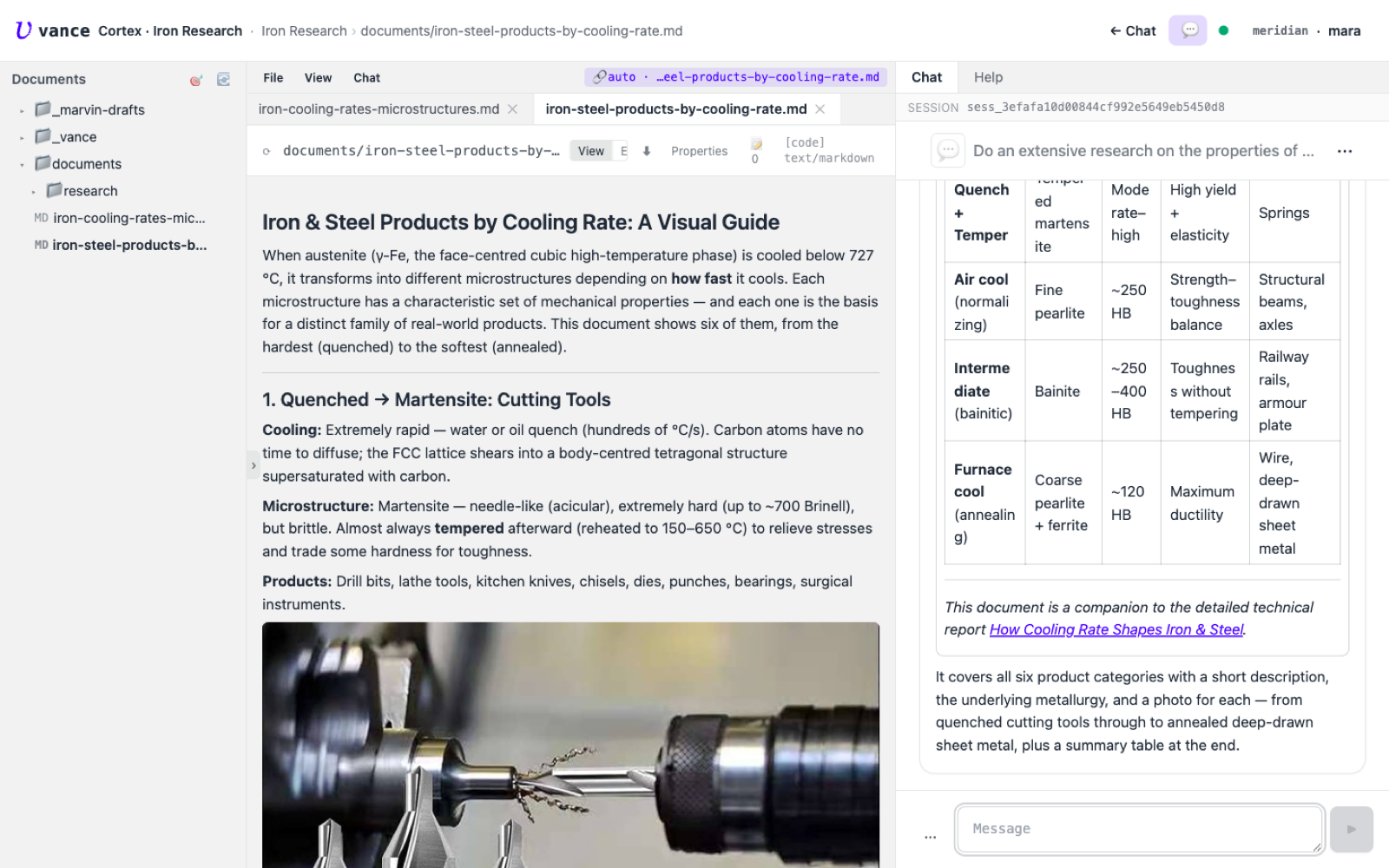
The document and the chat that produced it, side by side in Cortex
8 · One surfaceDocument in the middle, the conversation that produced it on the right — the whole research lives on one Cortex screen, still editable and still connected to the agent.
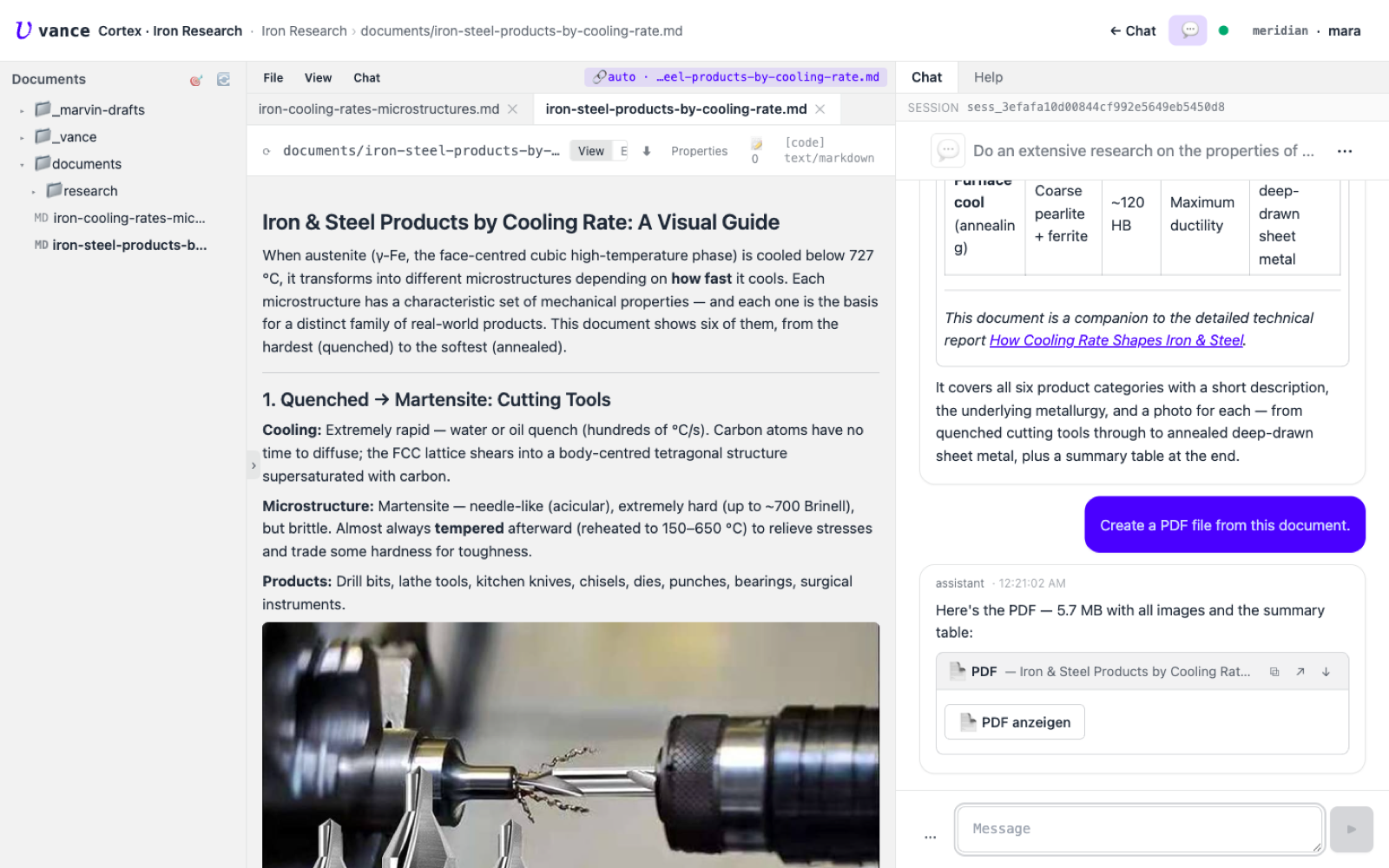
The agent turning the document into a PDF
9 · Export"Create a PDF from this document." The agent typesets it — 5.7 MB, all images and the summary table included — and hands back a PDF card.
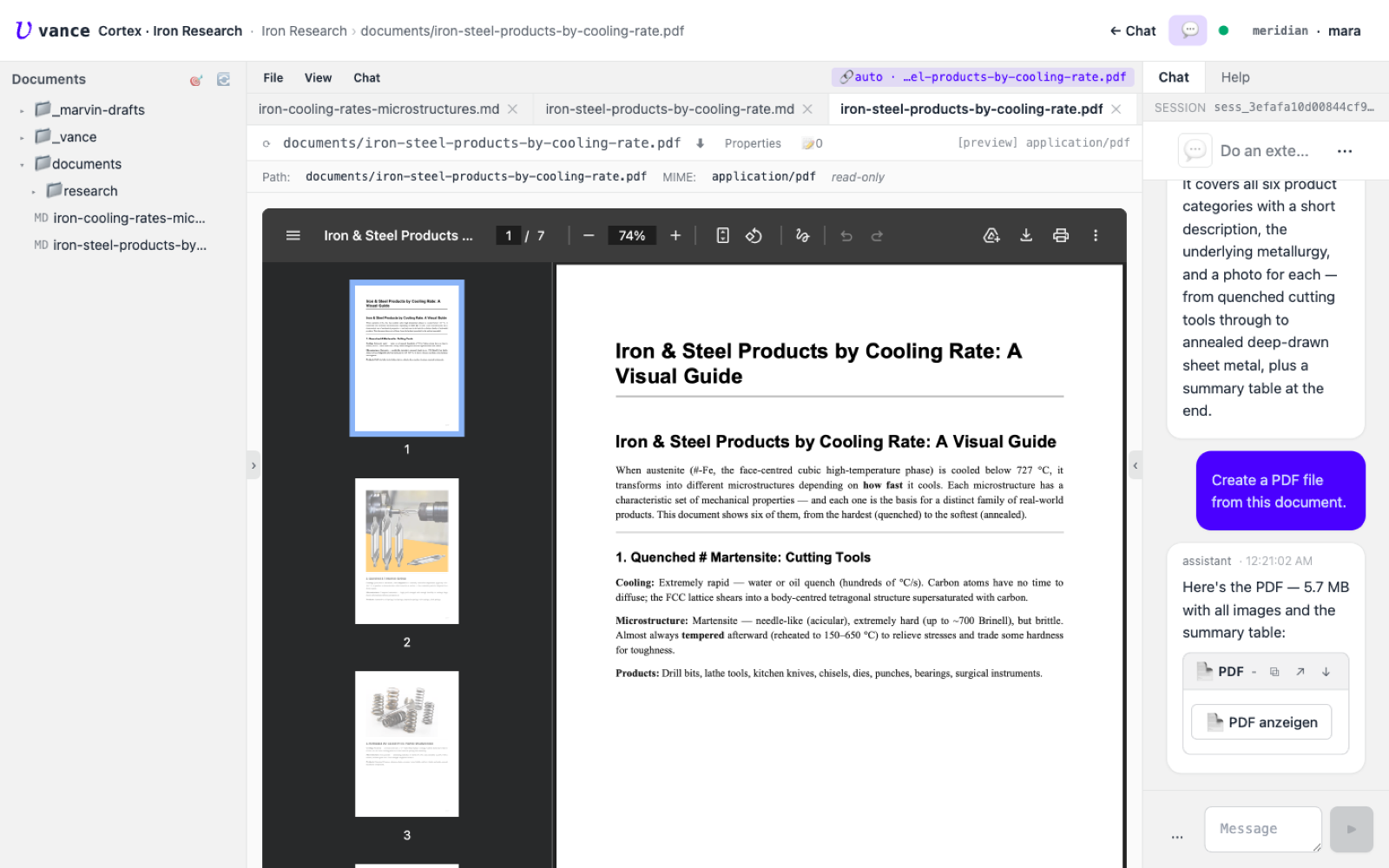
The generated PDF rendered in Cortex
10 · The PDFOpen it and the finished 7-page PDF renders in Cortex — a shareable artifact produced entirely from the conversation.

What this shows

  • One conversation, many artifacts. A report, a mindmap, image lookups, a second technical document, an illustrated summary, and a PDF — all from a single thread, each saved as a real document in the project.
  • Deep research when it’s worth it. Marvin plans and parallelises the heavy lookup; the lighter follow-ups run inline. You don’t choose the machinery — you just ask.
  • From chat to shareable. The final step turns the living document into a fixed, illustrated PDF you can send on.

Fetched images are whatever the web returns — mind the licensing before you reuse them. Swap in generated images (see Images) when the output needs to be yours to publish.

Where to go next