Turn research into a slideshow
Ask for a topic and the deck in one go: research it, pull a picture for each point, and assemble a presentable slideshow. Vancetope does the whole chain — web research, an image per item, and a real slides document you can open and present — from a single request.
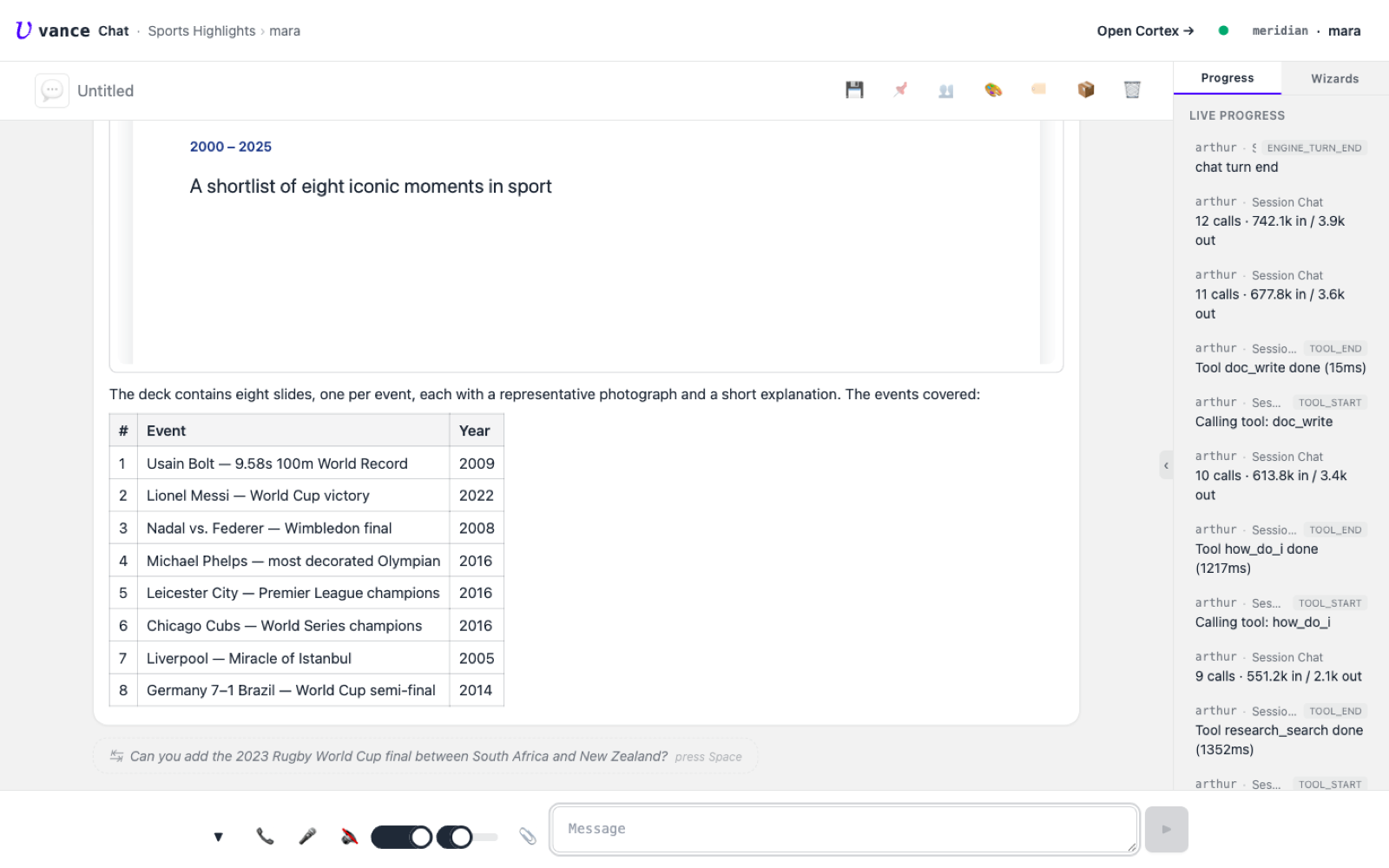
Here: the most important sporting events of 2000–2025. The agent shortlists
them, fetches a representative image for each from the web, and builds a
slides document, linked back into the chat.
Table of contents
From a question to a deck
One request — “research the key sporting events 2000–2025, then build a slideshow with an image and a short explanation for each.” The agent runs the research, proposes a shortlist, and (after a quick confirm) assembles the deck.
research_search / web_fetch / doc_write run).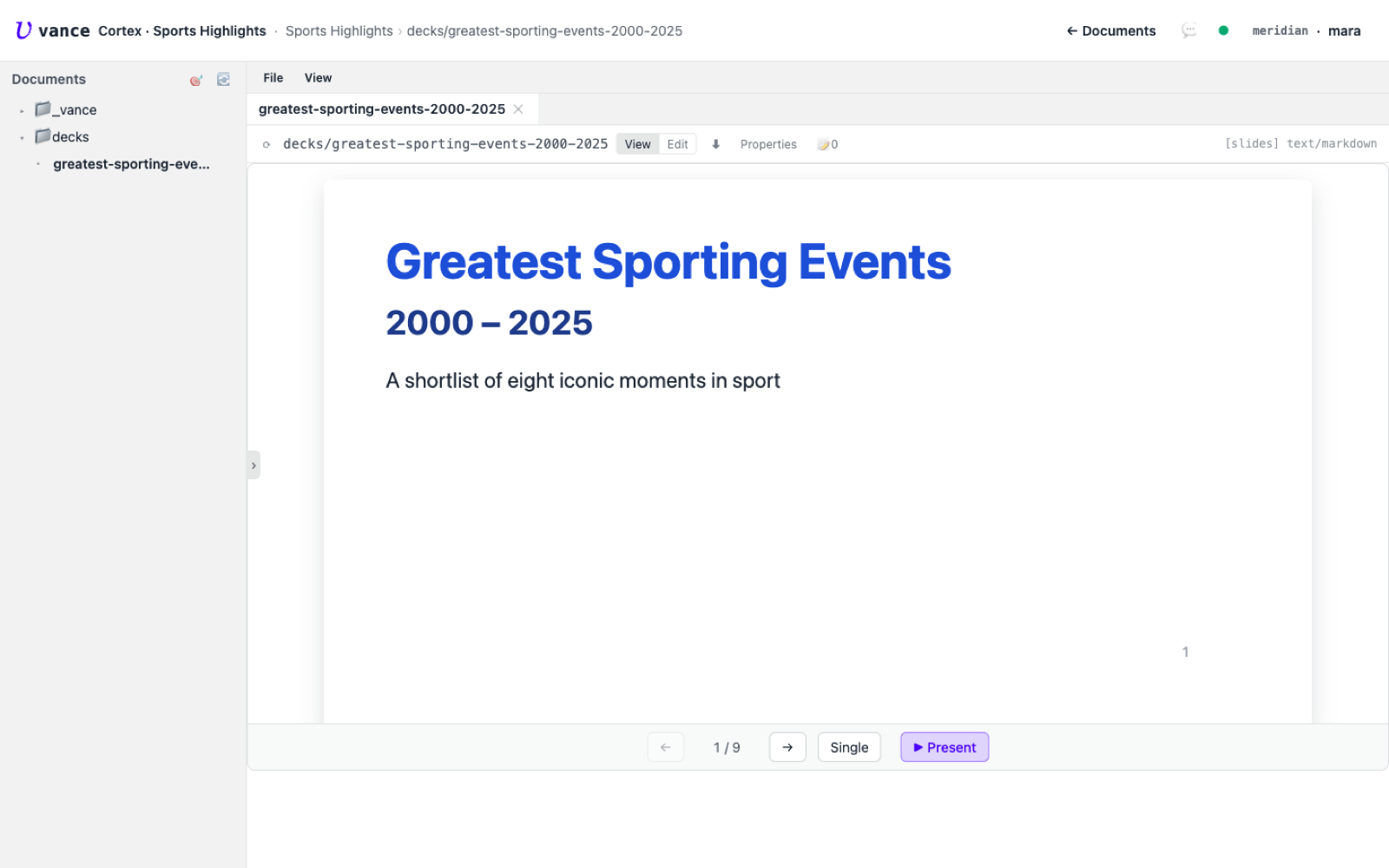
What happened under the hood
- Research, then assets. The agent first searched the web for the events, then made a separate image lookup per item — a multi-step job it planned and ran itself.
- A real deck, not a chat message. The output is a
kind: slidesdocument in the project (decks/…), openable, editable and presentable — not a block that scrolls away. - Linked back. When it’s done, the agent hands you a card with an ↗ to open the deck directly in Cortex.
Fetched images are whatever the web returns — mind the licensing before you reuse them. Ask the agent to swap in generated images (see Images) when you need a deck that’s yours to publish.
Where to go next
- Generate the pictures instead of fetching them: Images.
- The research stack behind the lookups: Zarniwoop spec.
- What a slides document is: slides kind.